Set up your studio
before your coffee's cold
Create a workspace, add your first project with its fee and phases, and import a timesheet; you'll see your first burn-down the same morning.
Free for 30 days · no credit card
New Project
Create a new project for your workspace.
Software your studio
can adopt on a Tuesday
Most project-management software is built for firms with an IT department and sold to them through demos, onboarding packages, and quarterly check-ins. A ten-person studio doesn't have an IT department. It has a principal with ninety spare minutes on a Tuesday and a healthy suspicion of anything that needs a consultant to switch on.
The real price of software isn't the subscription; it's the adoption: the hours spent configuring, migrating, and convincing the team. FeeLens is built to keep that price near zero. There is exactly one setup that matters (your projects, their fees, and their phases), and everything else has a sensible default you can change later in settings.
That's a deliberate scope decision, not a missing feature. A fee tracker that takes a month to deploy would fail its own profitability test.
Live before lunch
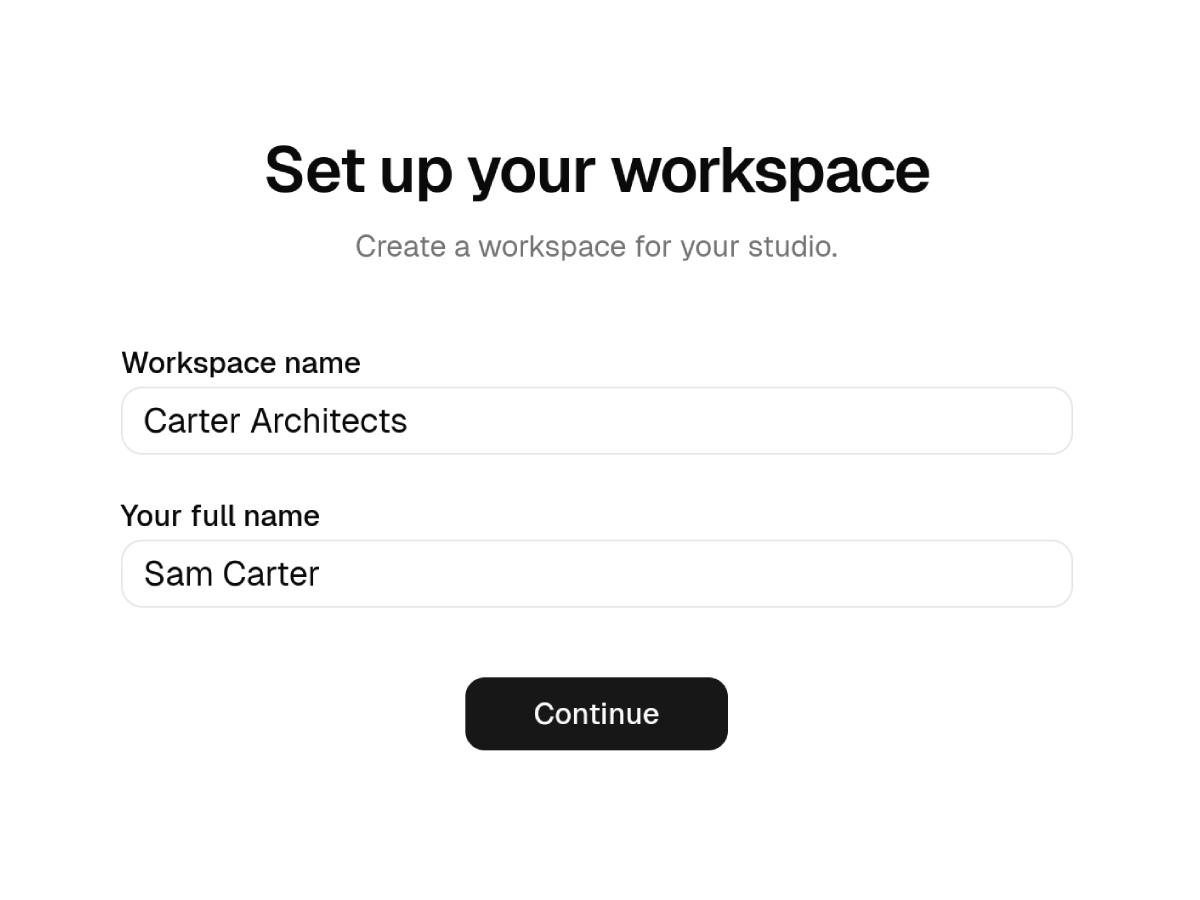
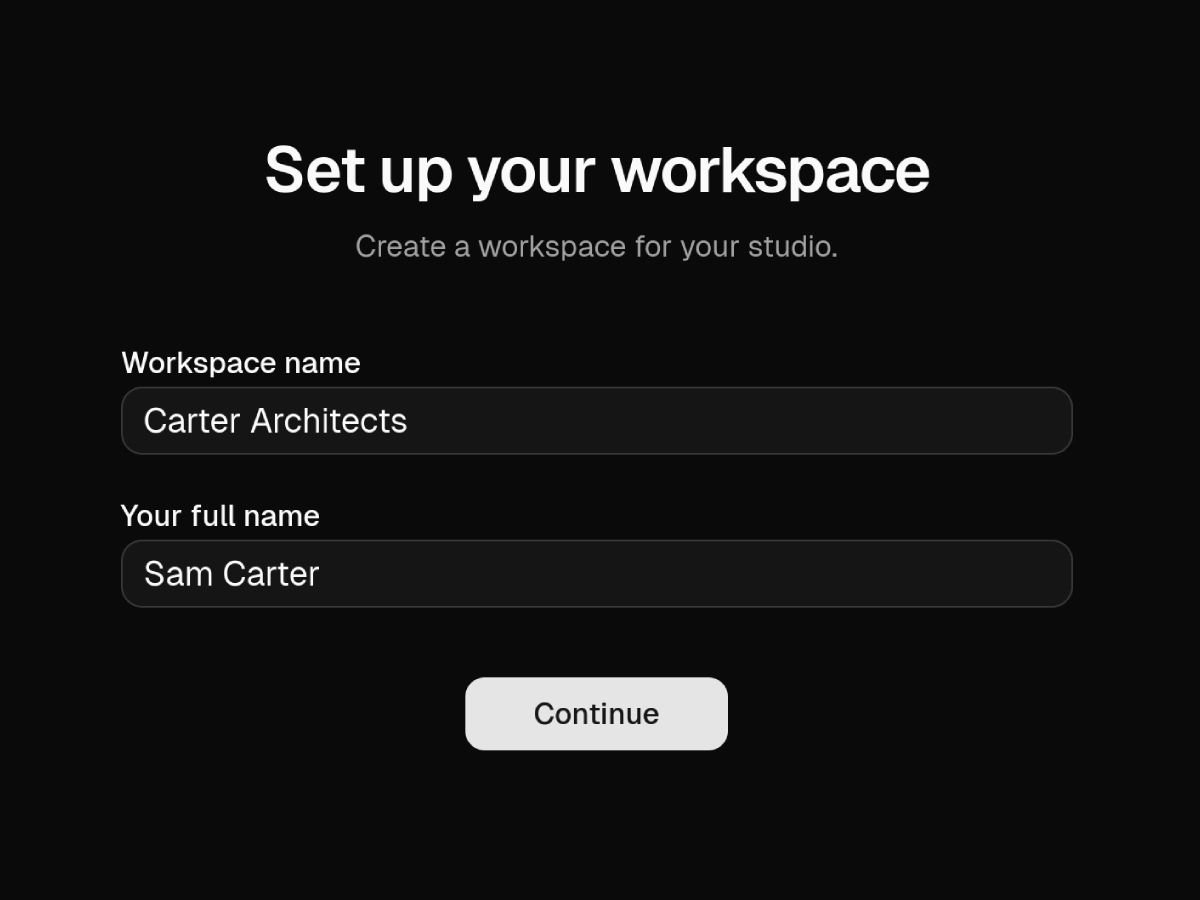
Create your workspace
Sign up with email or Google. Name the studio, set your currency and default hourly rates: the two-minute part.
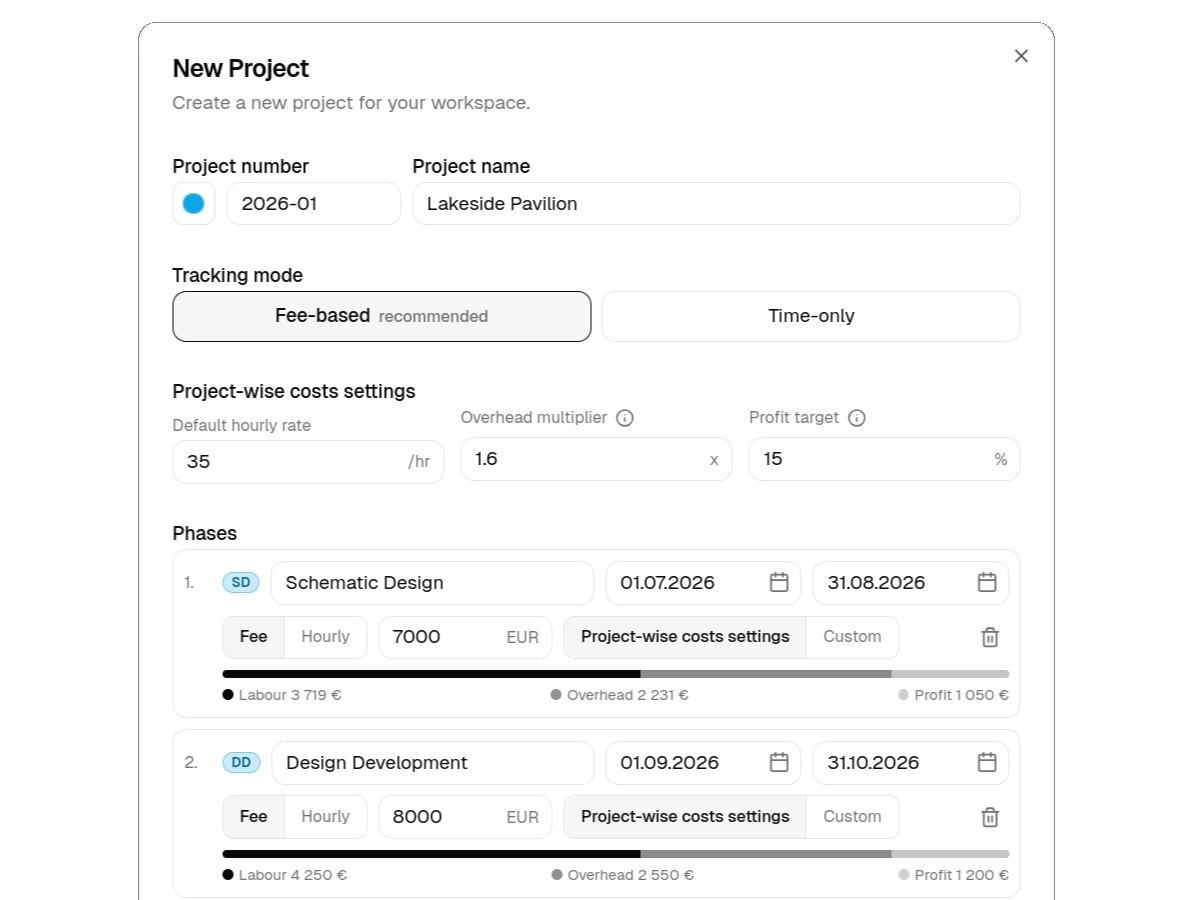
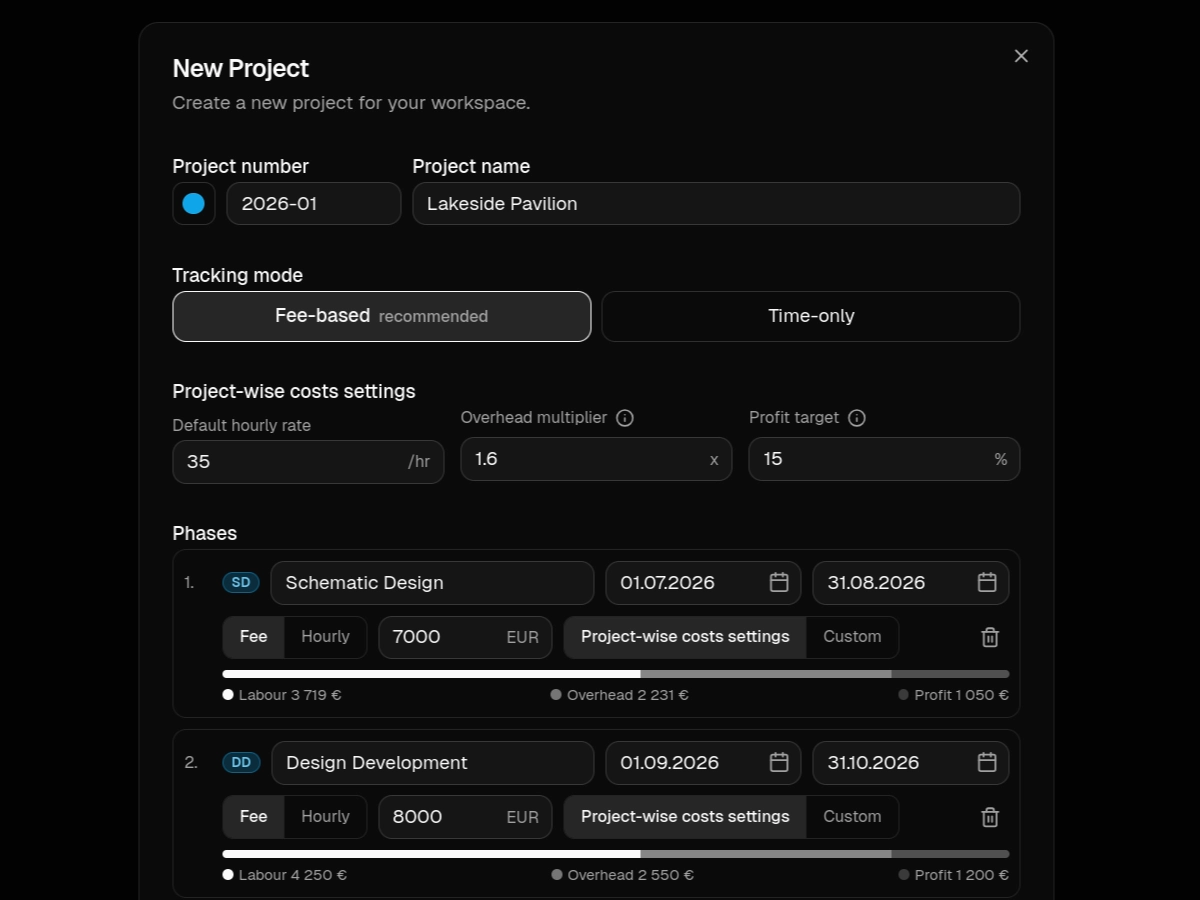
Add your first project
Enter the fee and split it across your phases; your usual percentages work as a starting point. This one form is the heart of the whole setup.
Bring the hours
Import a CSV from your current tracker or type a few entries in. The moment hours meet the fee, your first burn-down is live.
Your history
comes with you
The worst part of switching tools is starting from zero while your real projects are mid-flight. FeeLens skips it: import the CSV history from whatever you tracked in before, and running projects show their true position immediately, including the uncomfortable ones. If schematic design already ate half the fee, better to see it on day one than to discover it at invoice time.
Nothing about the import is destructive or final. Your old tracker keeps working; FeeLens reads its exports for as long as you want to run both.
Start alone,
invite the studio later
Most tools demand the whole team signs up before anything works. FeeLens inverts that: a principal can run the entire system alone, entering or importing hours on everyone's behalf, which is, honestly, how many small studios already handle timesheets.
When the burn-downs prove useful, invite the team and let them log their own hours. Roles keep the money side where you want it: who sees fees, rates, and profitability is your call in settings, from day one.
Questions,
answered
- How long does setup really take?
- One sitting. Creating the workspace takes a couple of minutes with email or Google sign-in. Adding a project means entering its fee per phase and your first timesheet import gives you a live burn-down the same morning.
- Do I need a credit card for the trial?
- No. The first 30 days are free with no credit card and no sales conversation. If FeeLens isn't earning its place by then, we say goodbye, no hard feelings.
- Can I import our historical hours?
- Yes, and you should. Just import the CSV export from your current tracker and running projects show their real burn-down from day one, instead of starting from an empty chart.
- What if my team is slow to adopt it?
- FeeLens works before anyone else joins. A principal can run it alone, entering or importing hours on the team's behalf, and invite people when they're ready. Adoption can follow value instead of preceding it.
- What happens after the 30 days?
- Pick a plan to keep adding work. If you don't, your workspace turns read-only, so nothing is lost. Ask us and we'll send you all your hours and projects as CSV.